The right people
Give people and groups access to the deployments and Libraries they need.
Your systems can call on specialist workflows as work arrives. Your teams can share what they prove. Organisations gives you the private fleet, access and control to make both part of how your business runs.
What changes
Organisations turns a proven capability into something the business can call on repeatedly. More customers, cases and opportunities can receive specialist attention, with your people making the decisions that matter.
Specialist investigation can begin when the work arrives, even when no one opens Studio.
Proven agents, workflows and intelligence can reach authorised teams without starting over.
Agents carry the process; people step in for the decisions that need their judgement.
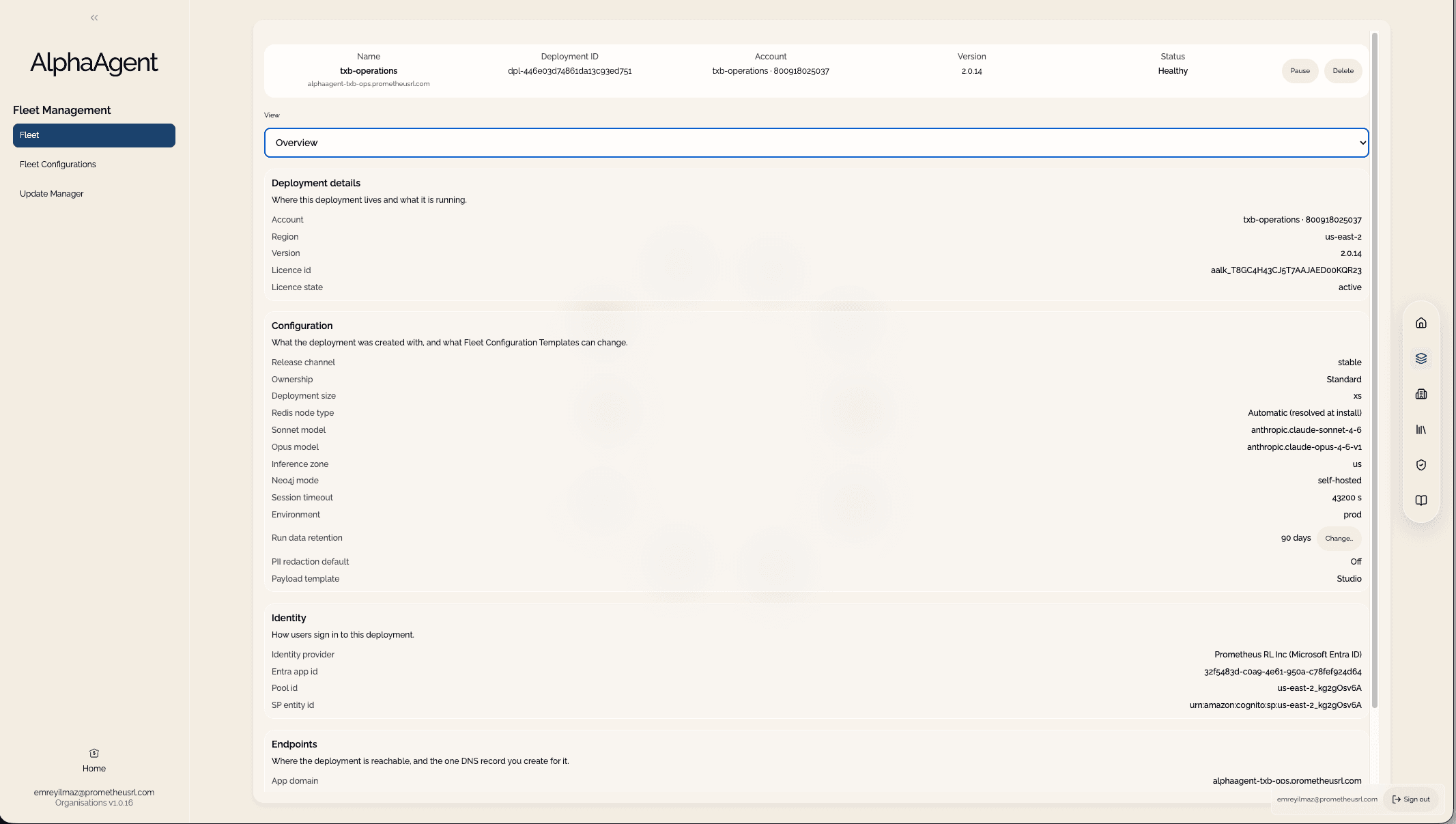
System-triggered work
When a business event arrives, an authorised system starts an active workflow in a governed Studio deployment. Agents carry it in your AWS account, return outputs your systems can use and pause where a person must decide.
Scoped access defines which active workflows it may run.
The workflow coordinates the steps, tools and systems in your cloud.
Runs pause for chosen approvals; your system can follow progress and collect outputs.
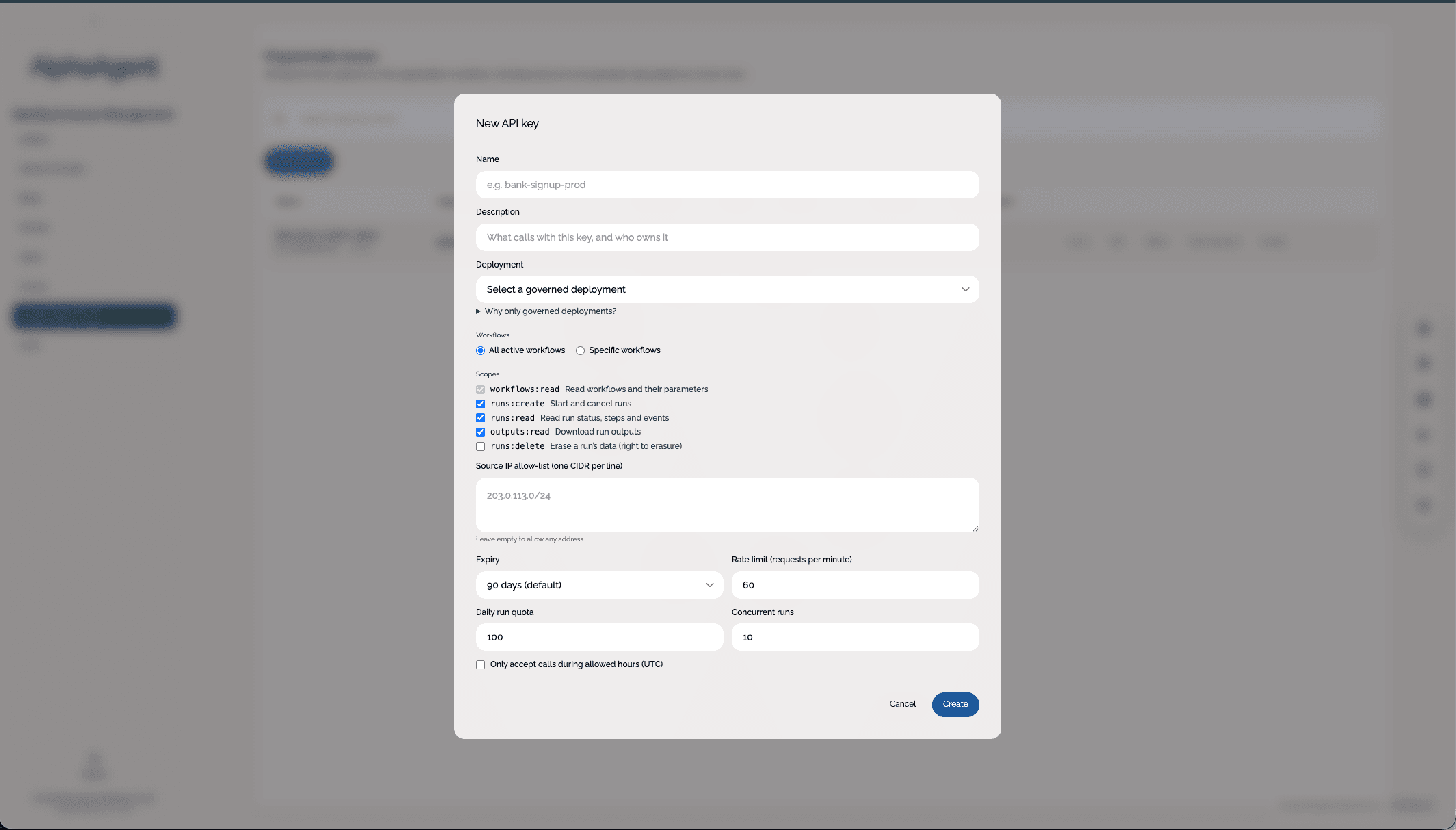
Organisation Library
Share a proven workflow with the agents, intelligence, connectors and environments it depends on. Authorised teams pull their own copy into another Studio, then choose when to activate it.
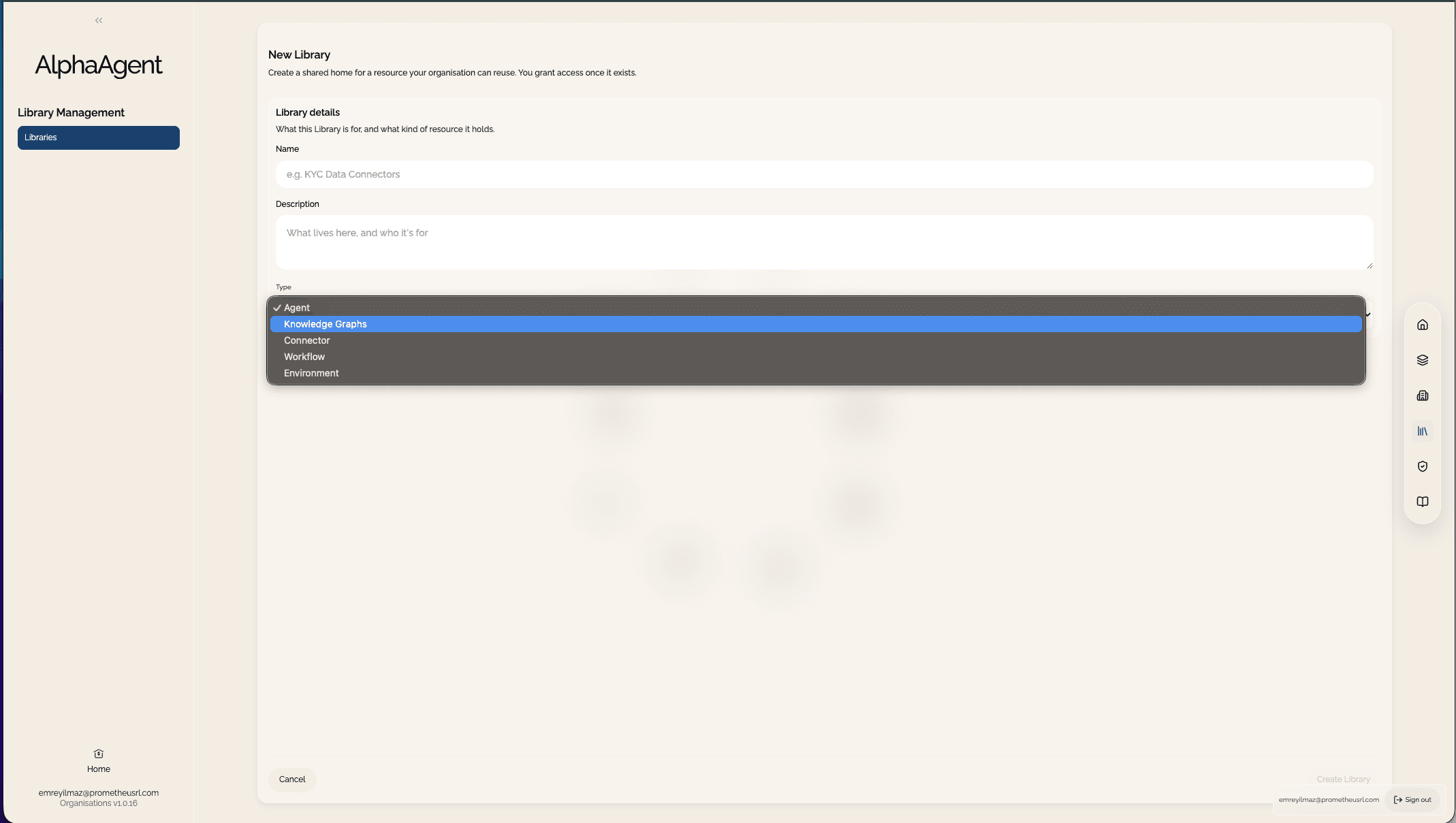
Your Studio fleet
From one customer-owned Organisations install, deploy Studios into separate AWS accounts. See health and jobs in one place, use approved configurations and schedule updates across the fleet with rollback if an upgrade fails.
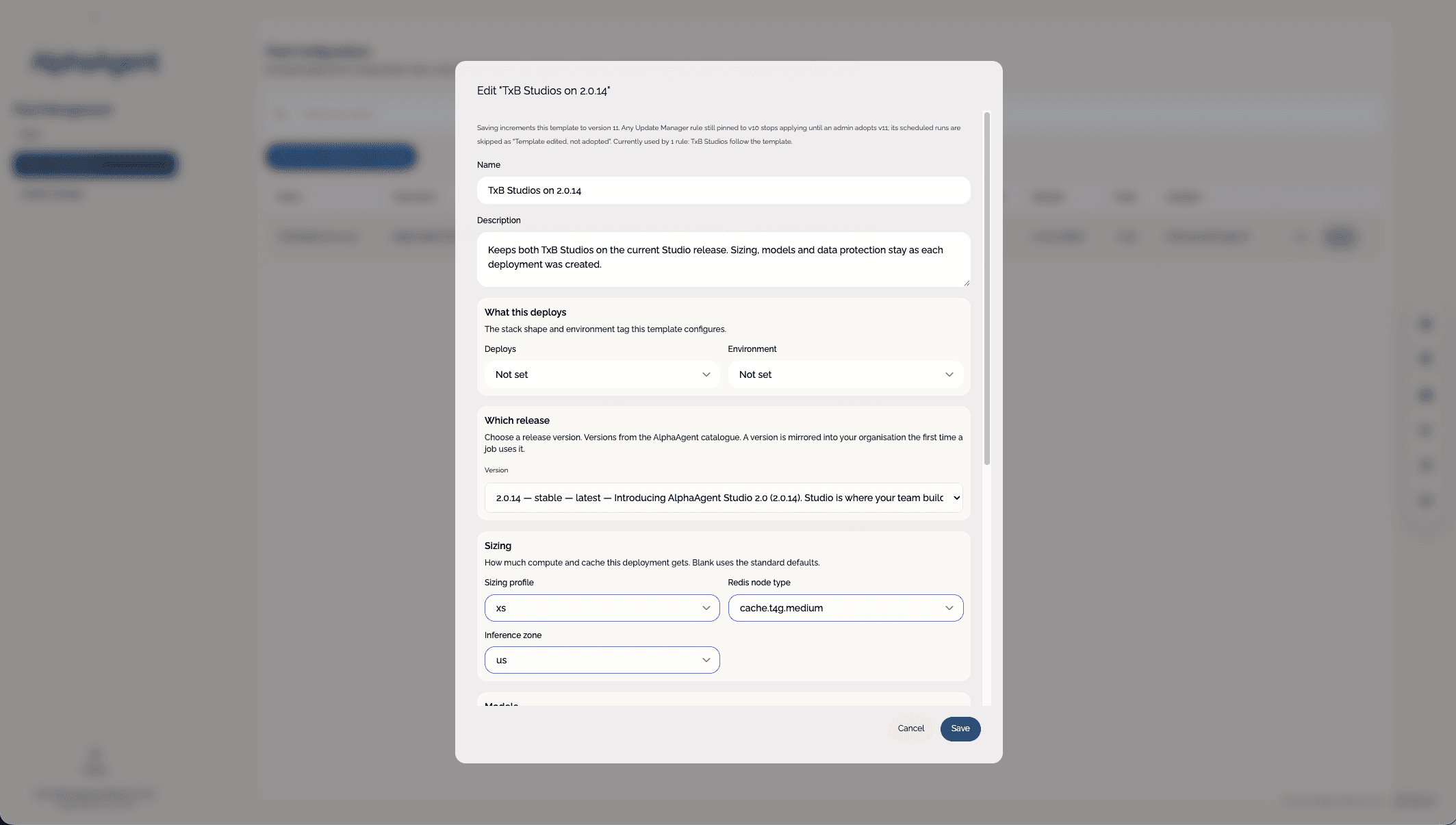
Your enterprise estate
Install Organisations once in an AWS account you own. From there, manage Studio deployments in separate accounts, each with its own work and data, while sharing selected capabilities between them.
Your AWS account · one enterprise control plane
Separate AWS account
Business unit
Separate AWS account
Region
Separate AWS account
Environment
Enterprise control
Connect your identity provider once. Define who can operate, share and start work. Keep a record of what changed and how each deployment is used.
Give people and groups access to the deployments and Libraries they need.
Bind keys to one governed deployment, with limits on workflows and usage.
Trace administrative changes, key activity and deployment usage to their source.
Deployment boundary
AlphaAgent runs in AWS accounts you own, alongside your models, data and systems. Your agents, workflows, intelligence and results stay inside that boundary.
Customer-controlled boundary
Make it enterprise-wide
Show us the capability you want to scale. We will help you plan the deployments, access and sharing it needs.